
JetX App – Play on Android & iOS
JetX by Smartsoft Gaming is fully optimised for mobile play. Whether you prefer downloading a dedicated casino app or launching the game directly in your browser, you get the same 97% RTP, double bet panel, autoplay and live chat — all on a screen that fits in your pocket.
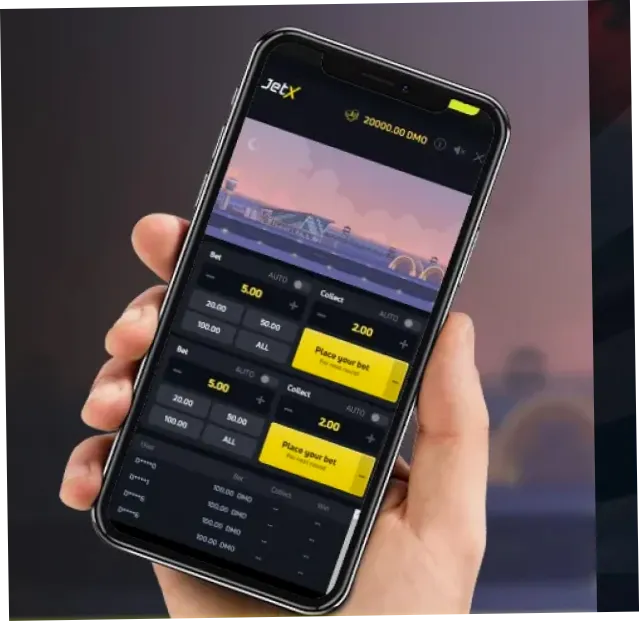
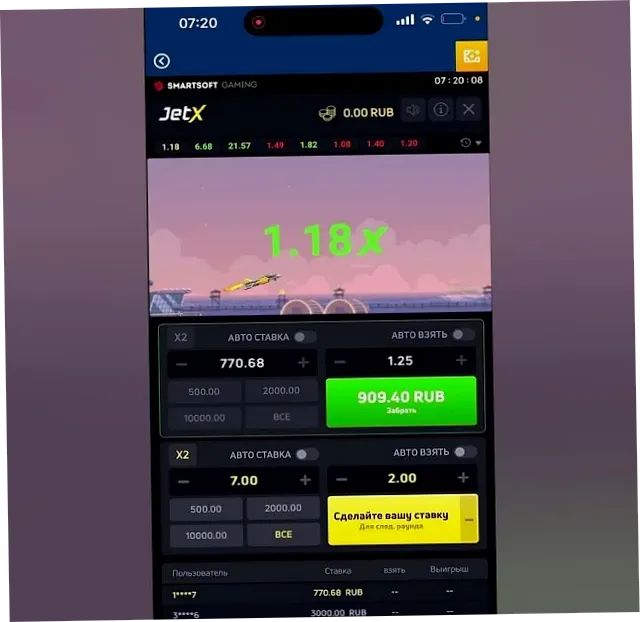
Two Ways to Play JetX on Mobile
Open your casino in Chrome, Safari or any modern browser on Android or iOS. JetX loads instantly in HTML5 — no download needed, no storage used.
Many of the casinos we recommend offer a dedicated Android or iOS app. Download it from the App Store, Google Play, or the casino website directly.
Android – How to Get JetX
Navigate to your chosen casino's website on your Android phone or tablet.
If the casino offers an Android app, you'll usually see a download banner. Otherwise, play directly in the browser.
Use the game search bar or browse Crash Games → Smartsoft Gaming to find JetX.
Tap to place your bet, watch the multiplier climb, and tap Cash Out before the jet explodes.
iOS – How to Get JetX
Navigate to your recommended casino. The mobile site is fully optimised for iOS.
Some casinos list their iOS app on the App Store. Search for your casino's name to find it.
In Safari, tap Share → Add to Home Screen to create a shortcut that opens the casino like a native app.
Log in, deposit if needed, locate JetX in the game lobby and start playing.
Mobile Features
Playing JetX on mobile gives you access to every desktop feature:
- Double bet panel with two independent stakes per round
- Autoplay with configurable cashout multiplier and round limits
- Live round history and statistics panel
- In-game chat with other players
- Auto cashout on disconnect — your bet is protected if your connection drops
- Full-screen mode for an immersive experience
Recommended: Use a stable Wi-Fi or 4G/5G connection when playing JetX on mobile. A dropped connection mid-round triggers an automatic cashout at the current multiplier, but a slow connection can make the Cash Out button feel unresponsive at a critical moment.
Ready to try before you deposit? Open the JetX demo on your phone right now — no account needed.